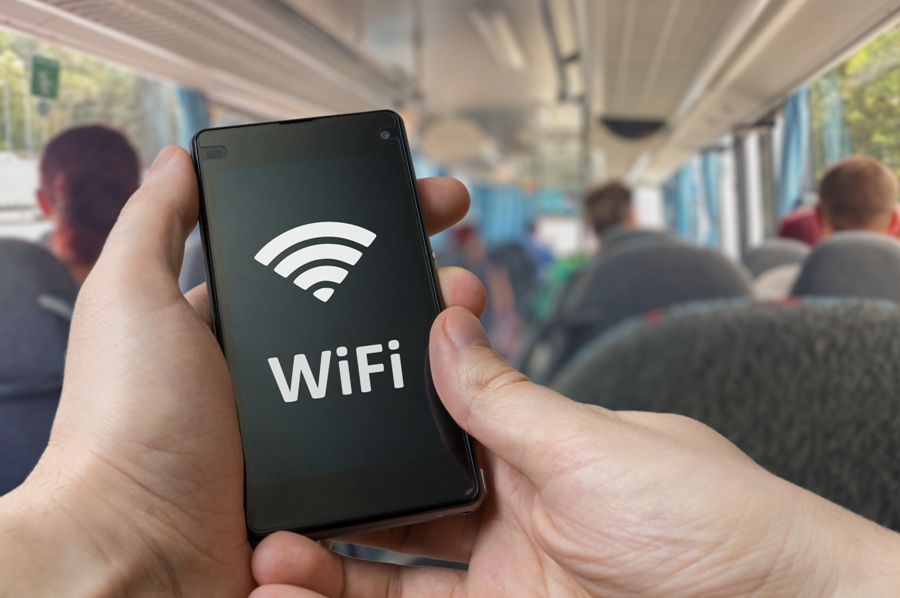
<p style="text-align: justify;">The holiday time is here and many of us prefer to bring our smartphones, laptops or tablets along to stay in touch with friends and family. An Internet connection enables us to share the memories (pictures, movies, ideas) very easily, all while maintaining a permanent connection with friends and family.</p>
<p style="text-align: justify;">But while it is true that technology makes our holidays more enjoyable, a <a href="https://www.cigionline.org/articles/global-survey-reveals-most-people-are-ill-equipped-deal-ransomware">survey conducted by CIGI Online</a> reveals that we do not have the necessary resources or qualities to deal with ransomware.</p>
<p style="text-align: justify;">The easiest way to access the Internet is through WiFi hotspots in restaurants, cafes or airports, but we have to be concerned about our <a href="https://www.eir.ie/online-safety/">security when using public WiFi connections</a>. And we have all the reasons to be so, since a stranger can easily snoop on our activity if we are unprotected. This means that we should have more than a firewall at hand, something to encrypt and protect our data while we&#8217;re traveling. It&#8217;s recommended to access only SSL-encrypted websites when dealing with sensitive information, and if unavailable always use a VPN to protect you.</p>
<p style="text-align: justify;">The same principle applies to public computers in hotels or Internet cafes. Experts recommend using them only for common tasks such as reading news or browsing events, as spyware (e.g., malware, keyloggers, etc.) can be easily installed on these devices.</p>
<p style="text-align: justify;">If you use public networks to communicate with friends or family, then you should create a separate email account to use only when you&#8217;re on vacation. Thus, if the account is hacked, hackers will not have access to important data and you don&#8217;t risk losing your private information.</p>
<p style="text-align: justify;"><strong>Other recommendations for using public WiFi networks:</strong></p>
<ul style="text-align: justify;">
<li>Do not leave the device to connect to public WiFi networks automatically. Hackers can easily gain control of your device this way.</li>
<li>Clear the recorded public WiFi networks when you return from the holiday.</li>
<li>Avoid remaining logged on applications that you do not use while traveling. They consume resources and you increase the risk of someone spotting your private activity.</li>
<li>Check if the network available in the hotel belongs to the unit and is not a possible fraud attempt. There are many private Wi-Fi networks, which are set publicly just so that certain people can steal others&#8217; personal data.</li>
<li>Use a different password for each of your accounts. Make sure that your passwords are not easy to guess.</li>
<li>Disable the option to share your documents on the laptop and activate the firewall so that it will block incoming connections (e.g., people trying to access the laptop).</li>
<li>Use a Virtual Private Network &#8211; (VPN) whenever possible. They provide the strongest security degree and maintain your anonymity even on the most dangerous networks. Moreover, you can easily appear like you&#8217;re browsing from another country by using VPNs.</li>
<li>Use a router with a prepaid SIM card to create yourself a private WiFi network. This method is slightly more complicated and requires some basic technical knowledge on your side.</li>
<li>Use secure sites (https) whenever you can. They grant a much stronger encryption.</li>
</ul>
<p style="text-align: justify;">As a general rule, consider that all activities done in a public WiFi network are regarded as public, as anyone can have access to them. Always protect yourself via appropriate means to avoid losing data and money.</p>

Remain Safe When Using Public WiFi Networks