<p style="text-align: justify;">
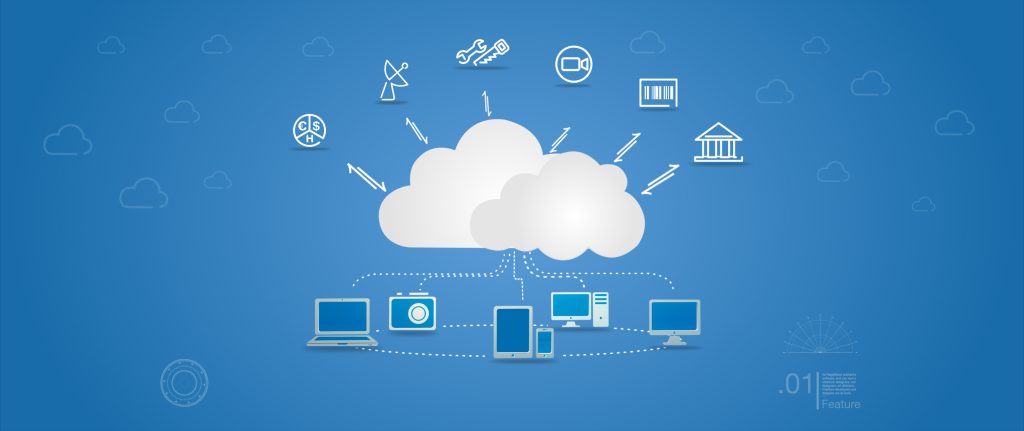
<p style="text-align: justify;">Cloud computing has become a part of our everyday lives. We rarely keep photos on our computers. Instead, we store them on our phones or upload them to the cloud where they can be accessed from anywhere remotely. We store work documents as well as other information so we can share with coworkers and managers.</p>
<p style="text-align: justify;">While cloud computing is a secure method of keeping your work documents or business information, data can be lost through security threats or hardware failure.</p>
<p style="text-align: justify;">With the right system, cloud computing is incredibly secure, but the user can also take steps to ensure that their data is protected and private beyond the cloud storage system.</p>
<p style="text-align: justify;"><img class="aligncenter size-Correct wp-image-14790" src="https://medusamagazine.com/wp-content/uploads/2016/06/cybersec-600x460.jpg" alt="Keep Your Data Secure With Cloud Computing" width="600" height="460" /></p>
<h2 style="text-align: justify;"><strong>Take Passwords Seriously</strong></h2>
<p style="text-align: justify;">People often use the same password for all their accounts. It&#8217;s easier for them to remember one password than many, but that makes it easier for hackers to gain access to many accounts.</p>
<p style="text-align: justify;">Not only do they use the same password, but it&#8217;s often simple to crack. Instead of using the same simple password for all your accounts, make sure you&#8217;re creating one that isn&#8217;t a loved one&#8217;s birthday.</p>
<p style="text-align: justify;">When choosing a password, make sure you&#8217;re making it as complicated as possible for hackers, but easy for you to remember. A random, capitalized word plus numbers is the best type of password to create. You can create a core word that is used on every account but vary the numbers.</p>
<h2 style="text-align: justify;"><strong>User Agreements with the Cloud Service</strong></h2>
<p style="text-align: justify;">To ensure that you&#8217;re finding the best cloud storage service for your business, you&#8217;ll need to read the user agreement in full. It&#8217;s tempting to skip the instructions as well as the user agreement, but it&#8217;ll contain vital information that will impact your system.</p>
<h2 style="text-align: justify;"><strong>Create a Backup Schedule</strong></h2>
<p style="text-align: justify;">The data that is secured on the cloud has all the protections available through the cloud security. Unfortunately, when you don&#8217;t backup your system to the cloud, that protection doesn&#8217;t matter.</p>
<p style="text-align: justify;">Have a system in place that schedules your information to be backed up in the cloud on a daily or weekly basis. It&#8217;s often best to upload and save regularly. It&#8217;ll help in case of disaster. If you have a system malfunction in your office, data can be lost unless it&#8217;s backed up on a daily basis.</p>
<h2 style="text-align: justify;"><strong>Employee Training</strong></h2>
<p style="text-align: justify;">One of the biggest benefits of cloud storage is the ability of everyone in your office to access the data stored there. It&#8217;s also one of the biggest downfalls for security. It&#8217;s risky to let everyone in the office access secured data. According to Costa Pinchuk, expert on cloud data security, one of the top 3 liabilities when it comes to safety of cloud stored data is accidental or malevolent change of data by employees. You&#8217;ll need to have policies and conditions for storage access and usage.</p>
<p style="text-align: justify;">Employees should know how to create strong passwords that are unique as well as giving them procedures for reporting a breach in security. They shouldn&#8217;t be allowed access outside of the office unless it&#8217;s required for their jobs, and limit who has permission to view the data.</p>
<p style="text-align: justify;">Employees should never access the cloud data on a public computer or use public, unsecured Wi-Fi for viewing data. As the employer, you should have a handle on who can upload, view and download data from the cloud.</p>
<h2 style="text-align: justify;"><strong>Stay Safe Online</strong></h2>
<p style="text-align: justify;">It&#8217;s important that your main computer system is free of viruses, trojans and malware, which could trap your password data and send it to hackers. You could have created a strong, unique password but if a hacker can get into the main system, it won&#8217;t matter.</p>
<p style="text-align: justify;">Be aware of the computers where you&#8217;ve logged in online. Often, browsers will store log-in information or keep a session alive when you&#8217;ve shut down the site. Always logout of your social media and email accounts when leaving a computer.</p>
<p style="text-align: justify;">Never save your password or login information with the site or have it remember the passwords for you unless you&#8217;re on a desktop computer in your home. Laptops and tablets are more likely to get stolen or lost, which gives others access to your sensitive information. For this reason it’s wise to have a plan B, for example Android’s option to remotely wipe all data in case of theft.</p>
<p style="text-align: justify;">While cloud storage is great for your business, you have to be a responsible user of the software. No cloud storage system is safe if the user isn&#8217;t creating strong passwords or being safe on their end.</p>

Keep Your Data Secure With Cloud Computing