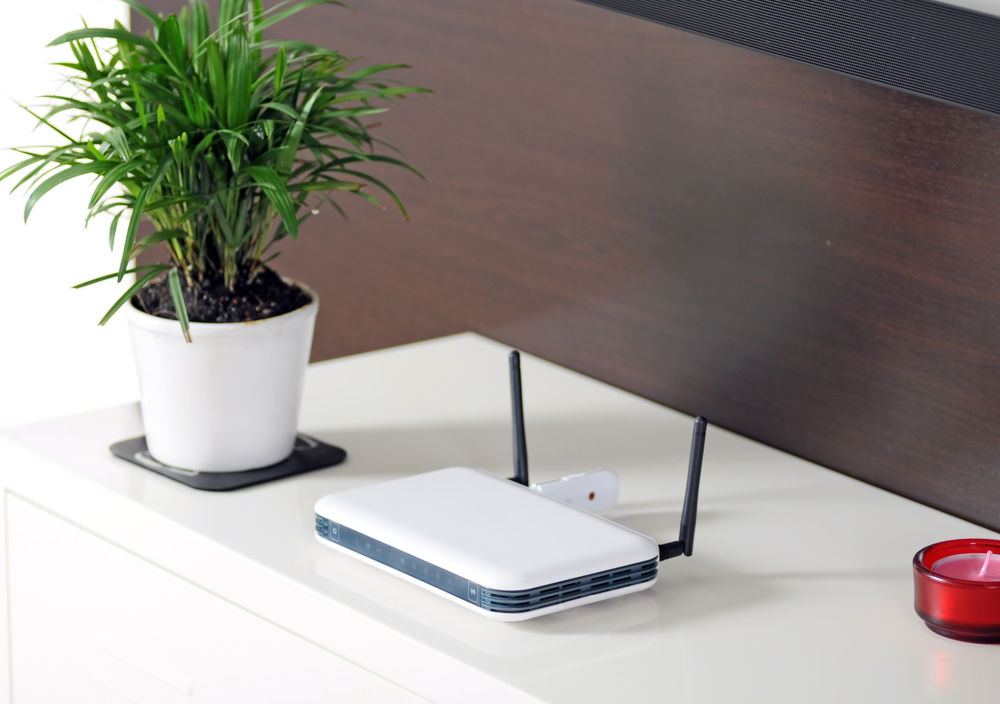
<p>Don´t you just hate it when the wireless router sent out by your service provider sucks?! Dodgy connections and slow performance can really grate on one´s patience and leave you feeling frustrated and angry. No need to worry though, because there are ways of fixing the problems. If your router sucks, try these easy-to-do solutions.</p>
<h2>Buy a new router</h2>
<p>Buying a new router is not always the best option for everyone because of they are reluctant to go to the additional expense. But the fact of the matter is that whilst tweaks to the router that comes with your broadband package can improve the performance of your internet connection, they never perform to the standards that can be achieved by better-made routers that are available on the market.</p>
<p>You should be looking for a wireless router with 5MB rather than the standard 2.5MB of traditional boxes. You also want to make sure you purchase from a reliable source that updates their product with the latest firmware to ensure your router works to the best industry standards. Check specialist sites like Mobi-data.co.uk that have a wide selection of wireless broadband packages using a free SIM card.</p>
<p><img src="https://medusamagazine.com/wp-content/uploads/2013/11/shutterstock_42492280-640x450.jpg" alt="Does Your Wireless Router Suck? " width="640" height="450" class="aligncenter size-Correct-Size wp-image-9312" /></p>
<h2>Check your existing router is the cause of the problem</h2>
<p>If you would rather chance it with the router from your service provider, you need to find the reason why your wireless connection is not performing well. To test this, plug your computer directly into your modem using an Ethernet cable. If the connection improves the likelihood is that your router is not performing very well.</p>
<p>The reason for this is because the router may just be rubbish, but on the other hand, it could be that you are doing something wrong that reduced the router to lower its output. The two most common causes of this is that the router is overheating or your box needs updating with the latest firmware.</p>
<p>If you router is overheating it is either because the fans are inadequate or you are blocking the air vents and not allowing the system to cool. This is likely to happen if your box is position on a rug or carpet. If your firmware needs updating head to the manufacturers site and download the latest update for your router. You will find the model number on the box.</p>
<h2>Phone your service provider</h2>
<p>Sometimes, the slowing of your connection is because your router is reading a weak signal. This can be due to a number of factors that are in the control of your service provider and more often than not, their technicians on the customers support help line can fix your problem – even if it´s only temporarily.</p>
<h2>Inferior firmware</h2>
<p>The boxes that are sent by your service provider are usually and entry-level model that does not have the features of the latest-industry standards. Therefore, the firmware for these routers will be out of date and unable to meet the demands of modern day internet users. If this is the case you should consider updating your router for a better model.</p>

Does Your Wireless Router Suck?