<p style="text-align: justify;">Hacking is a serious problem almost all users of computers and the internet get exposed to. That’s why it’s important to get acquainted with them and to know how to prevent them. Likewise, you need to be familiar with these common hack techniques to know what to do to address the problem. Concisely discussed below are five of the most common hack attacks you should be aware of.</p>
<ol style="text-align: justify;">
<li>
<h2><strong>Keylogging</strong></h2>
</li>
</ol>
<p style="text-align: justify;">Keylogging essentially means the recording of keystrokes or other actions a computer user does. These actions may include the buttons clicked by the mouse or tapped if it were on a device with a touchscreen. The main goal of which is to reveal user IDs and passwords but it can also be used to monitor habits or specific actions.</p>
<p style="text-align: justify;">To avoid becoming a victim of keylogging, don’t install anything in your device from an unknown source. See to it that you are familiar with all the software or apps you have on your device. If you notice something different, if you see your smartphone’s keyboard suddenly looking different or acting erratically for example, examine your list of programs or apps. Look for something that has been recently added without your permission. Of course, be sure to also have your anti-malware or antivirus software installed and update it regularly.</p>
<ol style="text-align: justify;" start="2">
<li>
<h2><strong>Clickjacking</strong></h2>
</li>
</ol>
<p style="text-align: justify;">Clickjacking is a method of hijacking a user interface by superimposing an “invisible” interface over a standard interface. This is common in streaming and download sites. It is characterized by the appearance of pop-ups or new tabs or windows when you click on something like a play button. The play button appears functional but when you click on it, the video does not play; you instead get directed to a new tab or pop-up window. It is often employed to earn advertising revenues but there are those who use this technique to steal personal information.</p>
<p style="text-align: justify;">You can’t really avoid clickbaiting since you usually only realize that there’s clickbaiting after you have already been baited. What you can do is to be smart not to fall further into the scheme. If you get a pop-up instead of a video playing, it would be better to just leave the site. You may install a script blocker on your browser and selectively activate scripts on a website until you enable the one you need (the script for playing a video for example). However, this does not always work and you need to have patience to do trial-and-error for this.</p>
<p style="text-align: justify;">Sometimes, you don’t realize that the clickbait already managed to introduce a malware into your system. That’s why it’s very important to have an antivirus or anti-malware program in your system. You don’t really have to spend for this. You can easily find a free antivirus download link after doing a quick search for an antivirus with Google. Just make sure to carefully examine and do some research about the antivirus you consider installing.</p>
<ol style="text-align: justify;" start="3">
<li>
<h2><strong>Phishing</strong></h2>
</li>
</ol>
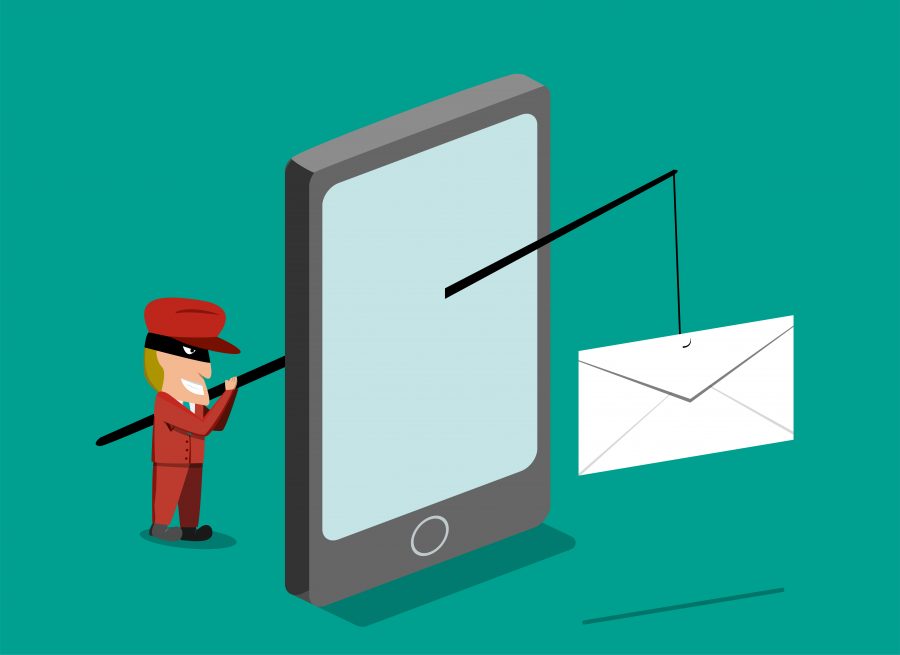
<p style="text-align: justify;">Phishing is similar to keylogging in its goal of obtaining user IDs, passwords, or other information from victims. Its approach, however, is different as it tries to deceive victims into unwittingly revealing their usernames and passwords. With phishing, a hacker creates a user interface similar to what the victim is accustomed to using and introduces this replicated user interface to the victim through links or other means. For example, a hacker may build a website similar to the online banking site you are using. The hacker then tries to make you use this fake site by sending you an email with a link pointing to this fake site.</p>
<p style="text-align: justify;">You can avoid phishing by not clicking on links you normally don’t intend to click. These could be links sent to you via email or chat. Also, be sure to examine the URL or address of the site you are browsing especially if it’s for your bank, email, or social media accounts.</p>
<ol style="text-align: justify;" start="4">
<li>
<h2><strong>Cookie Theft</strong></h2>
</li>
</ol>
<p style="text-align: justify;">Cookies are small bits of information stored by websites on computers as they are accessed by browsers. These information can include user IDs, session IDs, and other information related to the accessing of a website. Hackers that manage to access cookies in a browser can use these cookies to hijack your session or act as you online. Websites that don’t use SSL encryption (manifested as the HTTPS prefixing URLs) are the ones most prone to enabling cookie theft.</p>
<p style="text-align: justify;">To avoid cookie theft, avoid websites that don’t have HTTPS in their URLs or those that don’t employ SSL encryption. Never use forms (that ask for your personal details) on sites that don’t have SSL encryption.</p>
<ol style="text-align: justify;" start="5">
<li>
<h2><strong>Bait and Switch</strong></h2>
</li>
</ol>
<p style="text-align: justify;">This attack is like clickbaiting but bolder. What a hacker does is to buy advertising spaces on blogs and websites. These ads are then used to direct victims to pages that contain malware, which can be used to steal information or exploit vulnerabilities in victims’ devices.</p>
<p style="text-align: justify;">It’s difficult to distinguish which ads are legitimate or which ones are used by hackers. As such, what can be done is to simply install a good anti-malware program and update it regularly. Anti-malware or antivirus systems, even free ones, are usually able to detect attempts of websites to install something malicious in your computer. They can prompt you to prevent the installation and subsequent infection.</p>
<p style="text-align: justify;">There are many other forms of hacker attacks or cyberthreats. You may not be able to memorize every approach they use and the preventive measures you should take. What you can do, though, is to always have a reliable anti-malware system to make sure most if not all of these threats are detected and addressed appropriately.</p>

5 Most Common Hack Attacks and How To Avoid Them